Document Transfer
BRING YOUR FILES, NOT JUST YOUR DATA
Years of client documents shouldn't be left behind. We'll transfer your files from any source and organize them by client in Swivel — so everything's in one place.




Your documents are scattered. We fix that.
Most CRM migrations move your data — contacts, policies, notes — but leave your documents behind. Applications, signed forms, ID copies, statements, and years of client files stay trapped in your old system or scattered across folders. Starting fresh in Swivel shouldn't mean losing access to the files you need.
What We Transfer
ALL YOUR CLIENT DOCUMENTS, ORGANIZED
| Document Type | Description |
|---|---|
| Applications & Forms | Insurance applications, annuity paperwork, account opening docs |
| Policy Documents | Contracts, declarations pages, policy summaries |
| Signed Forms | Authorizations, disclosures, compliance documents |
| ID & Verification | Driver's licenses, passports, proof of address |
| Statements & Reports | Account statements, performance reports, tax documents |
| Correspondence | Client letters, emails saved as PDFs, notes |
| Any Other Files | If it's tied to a client, we can transfer it |
Where We Pull From
DOCUMENTS FROM ANYWHERE

Your Old CRM
Redtail, Wealthbox, Salesforce, AgencyBloc, or any other system with exportable documents. We extract and organize.

Cloud Storage
Google Drive, Dropbox, OneDrive, Box — if your files live in the cloud, we can pull them into Swivel.

Local Folders
Documents saved on your computer or network drive? We'll work with you to get them into Swivel, organized by client.
The Process
HOW DOCUMENT TRANSFER WORKS
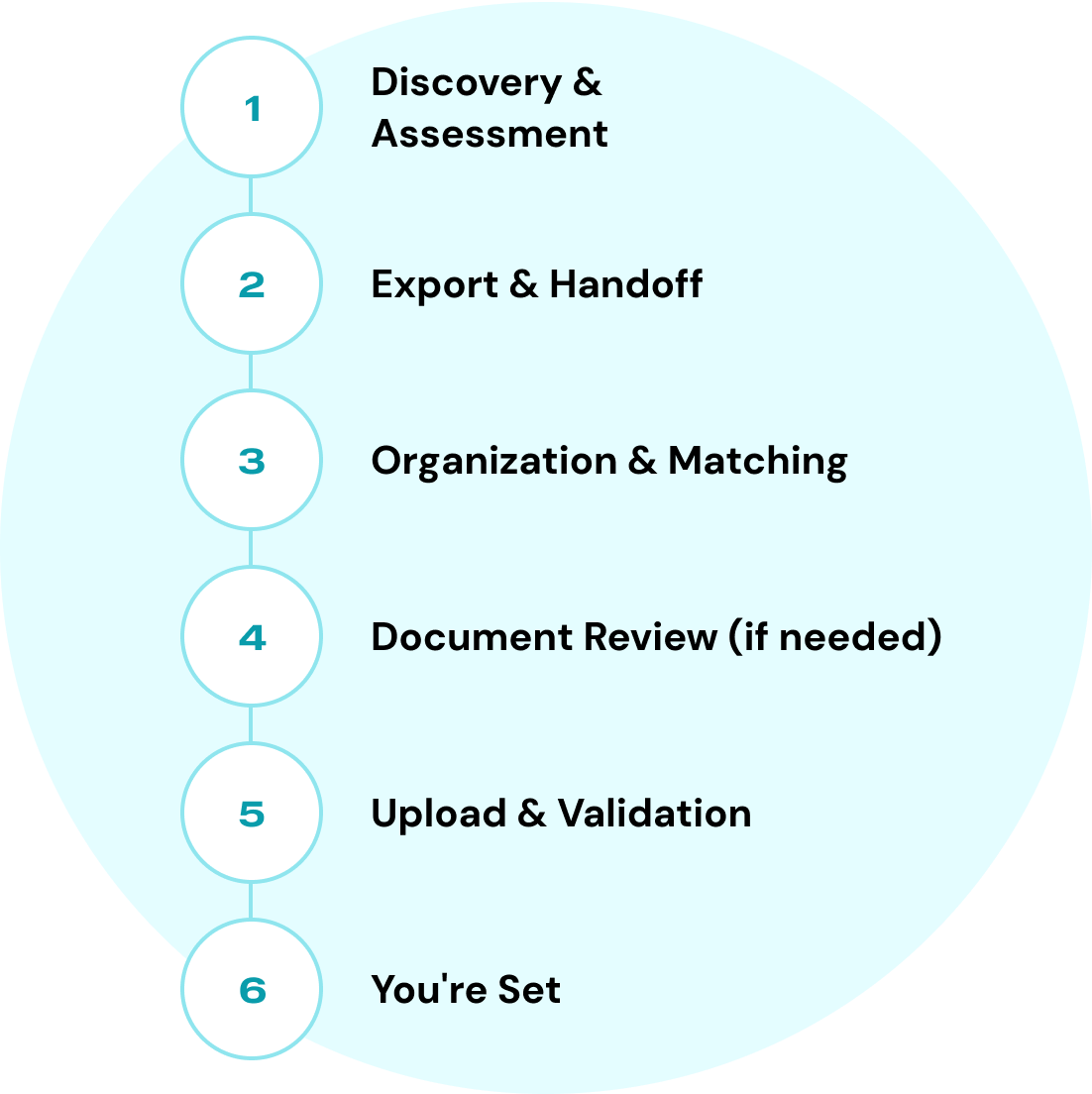
1. Discovery & Assessment
We learn where your documents live, how they're currently organized, and estimate volume.
2. Export & Handoff
You export or share access to your documents. We'll guide you through the process.
3. Organization & Matching
We match documents to the correct client records in Swivel. If files aren't already grouped by client, we handle that.
4. Document Review (if needed)
For unorganized files, our team reviews documents to determine which client they belong to.
5. Upload & Validation
Documents are uploaded to Swivel, linked to the right contacts, and verified for accuracy.
6. You're Set
Your files are in Swivel, organized by client, and ready to access.
Pricing
Pricing based on your situation
Document transfer pricing depends on three factors:
- ✓Volume — The number of documents you need transferred. More files = more work, but we offer volume-friendly pricing.
- ✓Organization Required — Are your documents already grouped by client? If our team needs to review each file to determine which client it belongs to, that adds time and cost.
- ✓Source Complexity — Documents neatly exported from one system are simpler than files scattered across multiple cloud drives and local folders.
We'll assess your situation and give you a clear, upfront quote.


Frequently Asked Question
Is document transfer included with data migration?
No. Data migration covers your contacts, policies, notes, and CRM data. Document transfer is a separate service for moving your actual files (PDFs, images, etc.) into Swivel.
How long does document transfer take?
It depends on volume and organization. A few hundred well-organized documents might take days. Thousands of unorganized files across multiple sources takes longer. We'll give you a timeline during scoping.
What if my documents aren't organized by client?
We can handle that. Our team will review documents to match them to the correct client records. This is factored into pricing.
Can you transfer documents from multiple sources?
Yes. We can pull from your old CRM, cloud storage, and local folders — and consolidate everything into Swivel organized by client.
What file types do you support?
PDFs, images (JPG, PNG), Word docs, Excel files, and most common file types. If you have something unusual, ask us.
Don't Leave Your Files Behind
Let's get your documents into Swivel
Contact our team to assess your document transfer needs and get a custom quote.